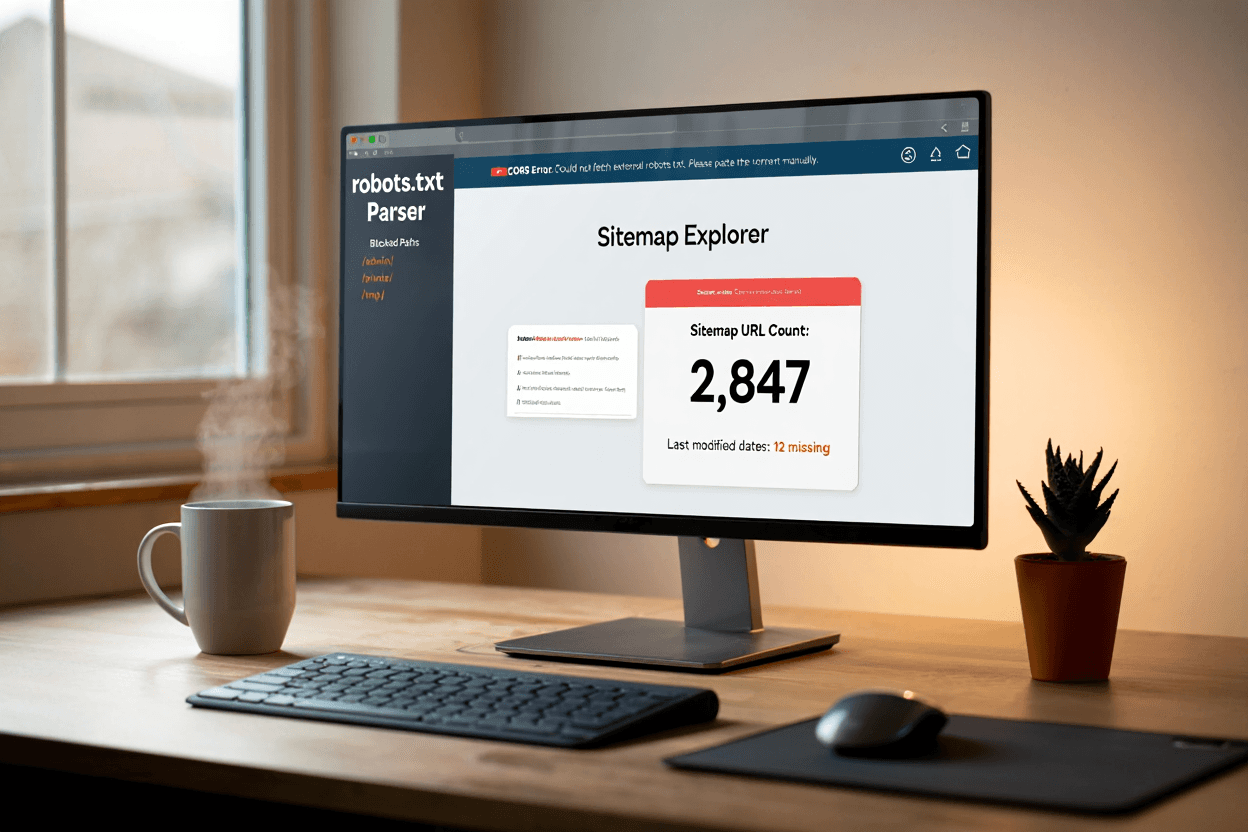
A robots.txt file is a small public text file that sits at the root of a website and gives crawl instructions to automated clients. For example, a site can place it at example.com/robots.txt. Search engines and other compliant crawlers can read it before requesting other URLs. The file exists to help site owners manage crawler access, reduce unnecessary requests, and keep low-value sections out of routine crawling. It is not a password, a security layer, or a guaranteed removal method.
The Robots Exclusion Protocol became an official IETF standard as RFC 9309. The RFC states that the rules are requested behavior for crawlers and are not a form of access authorization: RFC 9309 Robots Exclusion Protocol. This one sentence prevents many bad assumptions. A reputable crawler may respect your rules. A malicious scraper may ignore them. Anyone can open the robots.txt file in a browser and read it.
The basic structure is made of groups. A group usually starts with a user-agent line, then includes allow or disallow rules. User-agent identifies the crawler or crawler group. Disallow tells that crawler not to fetch matching paths. Allow can create exceptions. A broad rule for all crawlers might say User-agent: * and Disallow: /admin/. That means compliant crawlers should not crawl URLs under /admin/. It does not hide the folder from users. It only gives crawling instructions.
Robots.txt can also list sitemap locations. Adding a Sitemap line helps crawlers find your sitemap even if you do not manually submit it in a webmaster tool. For a static blog, this is useful because the sitemap is often generated automatically at build time. A clean file might block only technical or duplicate paths and then point to the main sitemap. It should not contain a long list of every page you dislike. If a page should not appear in search, noindex is usually the better tool.
Google’s documentation explains that robots.txt is mainly for managing crawler traffic. It also warns that blocked pages can still appear in search if linked elsewhere: Google Search Central robots.txt introduction. This is the main reason robots.txt should not be used as the only control for private or sensitive information. If something must remain private, use authentication or remove it from the public web.
For small websites, a simple robots.txt file is usually better than a clever one. Do not block your CSS, JavaScript, images, blog folder, or main content unless you have a specific reason. Do not copy rules from a large ecommerce site and paste them into a small static site. Do not assume that blocking duplicate pages fixes duplicate indexing. Start from the question explained in crawlability vs indexability: are you trying to reduce crawling, or are you trying to prevent indexing?
A good robots.txt file is short, public, and intentional. It should tell crawlers what not to request, point them to the sitemap, and avoid blocking content that needs to be evaluated. The best version is often boring. That is a good thing. Robots.txt should support the site’s structure, not become a risky control panel for every SEO concern.