Robots.txt mistakes are common because the file looks simple. It is only a text file, but small changes can affect how compliant crawlers access large parts of a website. The risk is highest when someone copies a file from another project, blocks folders during development, or misunderstands the difference between crawler control and indexing control. For a small static site, the safest robots.txt file is usually short and easy to inspect.
The first mistake is blocking important content by accident. A line such as Disallow: /blog/ tells compliant crawlers not to crawl the entire blog folder. If the blog is the main content asset, that rule works against the site. This can happen when a developer blocks a section during testing and forgets to remove it before launch. A launch checklist should always include opening the live robots.txt file and confirming that public articles, category pages, CSS, JavaScript, and images are not blocked without a reason.
The second mistake is using robots.txt as a privacy tool. RFC 9309 is clear that the protocol is not access authorization, and Google also warns that robots.txt is not a secure way to hide content. A blocked URL can still be guessed, visited by users, or linked by other sites. If information should not be public, protect it with login access, remove it, or keep it out of the public deployment. A public file that lists sensitive folders can even make them easier to notice.
The third mistake is trying to remove indexed pages with Disallow. Robots.txt can stop a crawler from fetching a page, but if the crawler cannot fetch the page, it may not see a noindex tag on it. Google’s guidance on noindex explains that the directive can block indexing when the crawler is allowed to read it: Google Search Central on noindex. If a page is already indexed and should disappear, review noindex, removal tools, redirects, or correct status codes instead of only blocking the path.
The fourth mistake is overcomplicating pattern rules. Wildcards and path patterns can be useful, but they are easy to misread. A broad block can catch URLs that were supposed to remain open. A narrow block may not catch the duplicates you meant to control. Before adding a pattern, test a few example URLs and write down the expected result. The article the robots.txt guide covers the basic structure, and that simple model is usually enough for smaller sites.
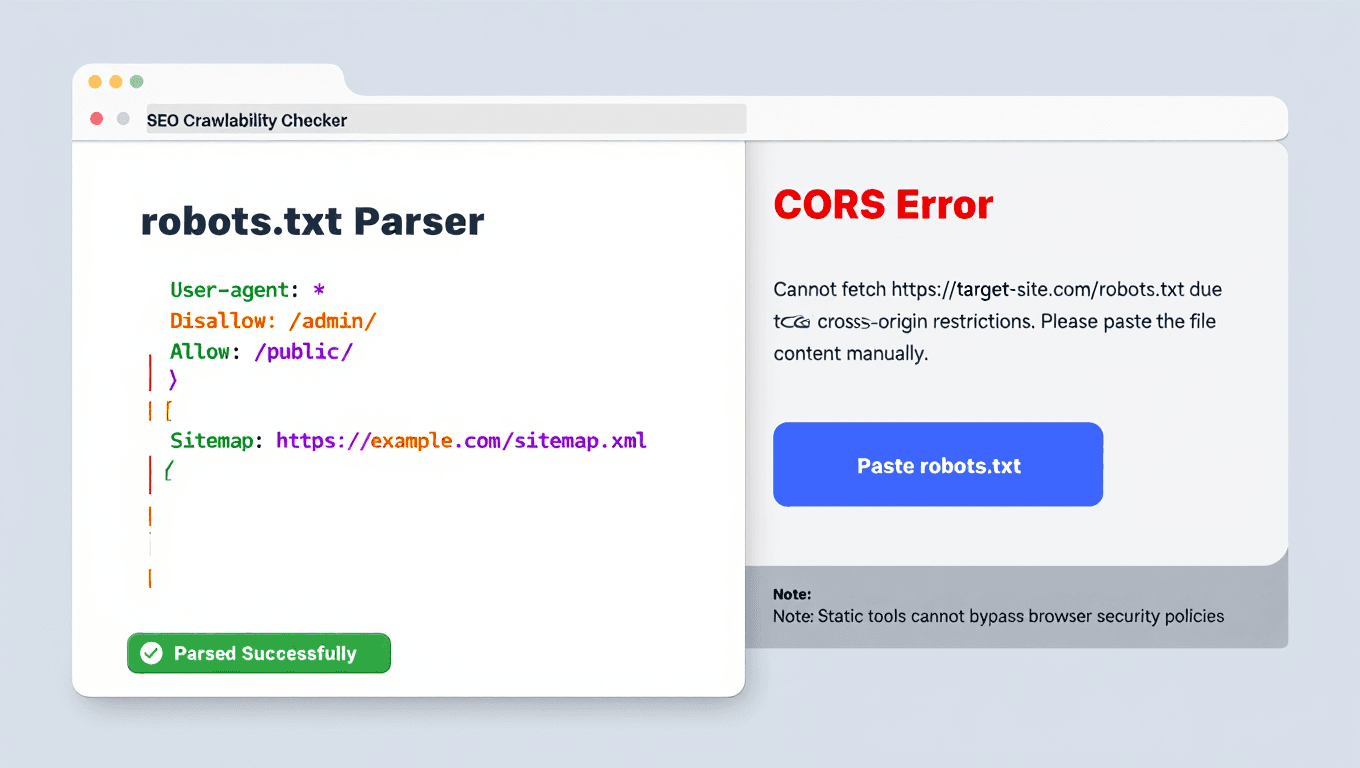
The fifth mistake is forgetting the sitemap line. A sitemap declaration is not required, but it is helpful and low risk when the sitemap exists. It gives crawlers another path to the URL list. For static sites, the sitemap location is often stable, such as /sitemap.xml. If the site uses multiple sitemaps later, the robots.txt file can point to the sitemap index. The file should point to real sitemap URLs, not old staging paths.
A good robots.txt review takes minutes. Check that important folders are open. Confirm that private content is not merely hidden behind Disallow. Make sure noindex pages are crawlable if the directive must be seen. Add the sitemap location. Keep a copy of the file in version control. Robots.txt is small, but it sits near the beginning of the crawl process. Treat it with the same care you give redirects and deployment settings.